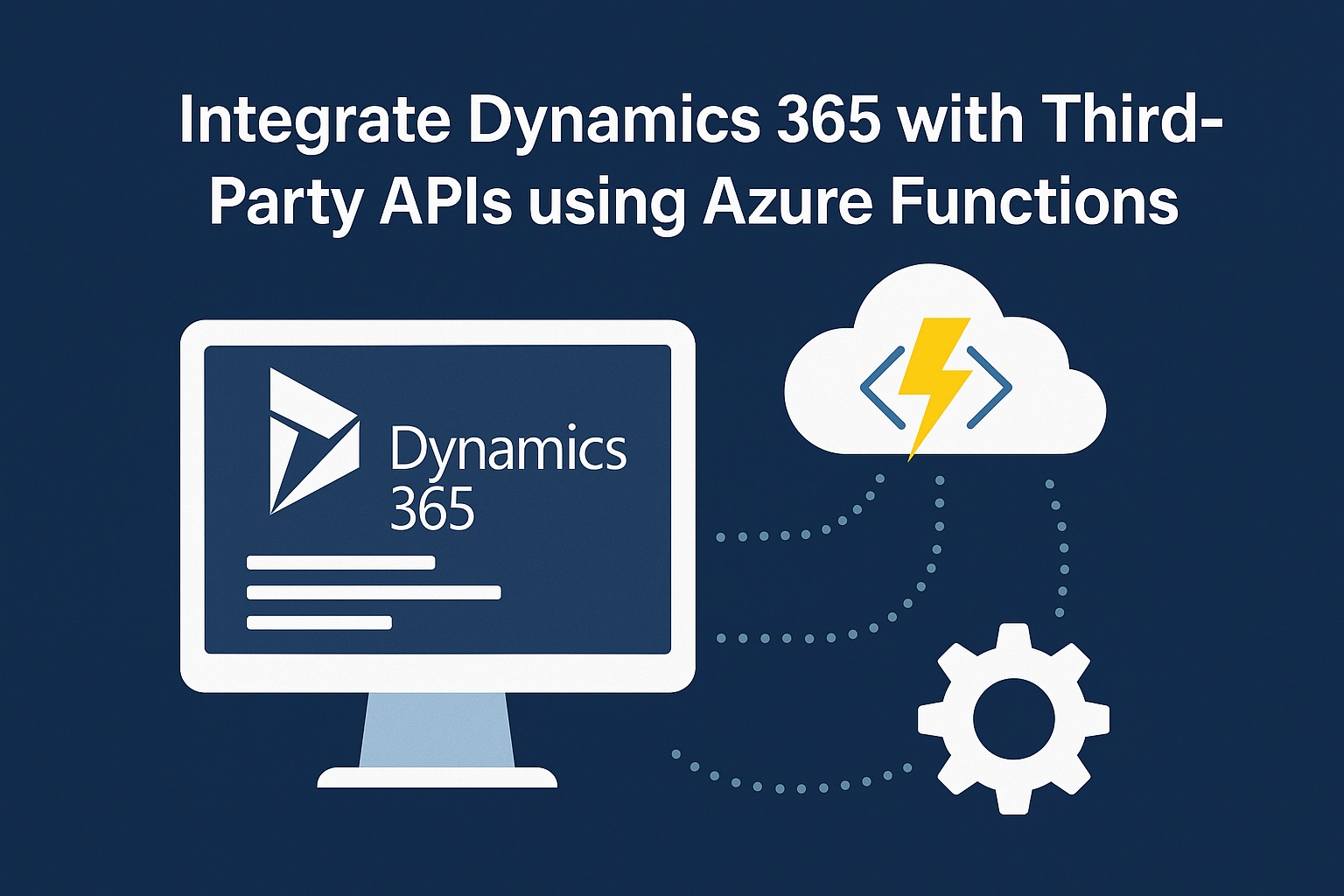
Why Integrating Dynamics 365 with Third-Party APIs Matters for Your Business
I notice that many businesses work with several different tools at once. They might use a CRM to track customer interactions, a payment system for billing, and a marketing platform for campaigns. While each tool is useful on its own, problems arise when they do not connect well. Teams spend extra time moving data manually, which can cause delays or errors.
By linking Dynamics 365 with third-party APIs through Azure Functions, these challenges can be solved. The integration makes it possible for data to move between systems in real time. It also helps businesses avoid manual updates and create smoother workflows. This approach supports efficiency and gives decision-makers quicker access to accurate information.
What API Integration with Dynamics 365 Means
API integration is the process of connecting different software applications so they can share data automatically. In the case of Dynamics 365, it allows businesses to connect external services such as accounting tools, shipping providers, or customer engagement platforms. This reduces the need for staff to enter information into multiple systems.
Azure Functions plays an important role here. It acts as a lightweight connector that moves information between Dynamics 365 and the chosen third-party service. Instead of creating a large and complex integration, businesses can set up small pieces of code that trigger only when needed. This makes the process more efficient and helps keep operations running without interruption.
Key Business Benefits
Integrating APIs with Dynamics 365 brings several clear advantages:
- Automation – Updates in Dynamics 365 can instantly flow into billing or support systems. This reduces manual entry and prevents errors.
- Real-time insights – Managers gain access to up-to-date information without waiting for weekly or monthly reports.
- Improved customer service – Faster data sharing helps service teams respond quickly and consistently.
Cost and Efficiency Gains
Integration projects in the past required heavy resources. Azure Functions helps by offering a leaner and more cost-effective approach:
- Pay-per-use model – Businesses only pay for the compute time actually used.
- Quick setup – Functions can be deployed without large development teams.
- Lower labor costs – Automating routine tasks reduces staff workload and frees time for more important work.
Flexibility and Scalability
Every company uses its own mix of tools, so integration needs to adapt to different setups. Azure Functions supports multiple programming languages, which means developers can select the approach that suits their skills and project requirements. It works with both cloud-based services and older on-premise applications, giving businesses more choice.
As organizations grow, their systems must handle more data. Azure Functions makes scaling straightforward without requiring a full rebuild. Existing functions can continue running with higher workloads, and new integrations can be added as needed. This flexibility ensures the setup grows with the business instead of becoming a barrier.
Security and Reliability
When multiple systems are linked, securing data becomes a priority. Azure Functions works alongside Azure API Management to add features like authentication, access control, and encryption. These measures keep sensitive information safe and ensure that only authorized systems can exchange data.
Reliability is also strong because Azure handles the infrastructure in the background. The platform automatically scales resources based on demand, which reduces downtime and performance issues. Businesses can trust that integrations will continue running smoothly even during peak activity.
Conclusion
I have seen how disconnected systems slow down both teams and customers. Integrating Dynamics 365 with third-party APIs using Azure Functions helps businesses create smoother processes, reduce errors, and support growth. It is a practical way to keep data accurate and accessible across platforms.
In the next blog, I will share a step-by-step guide on how to set up this integration using Azure Functions, so you can see exactly how to put these ideas into practice. For companies aiming to work more efficiently and provide better service, integration is a step worth considering.